
PlayJuwa Sweepstakes Coin Redemption
How to Redeem Rewards on PlayJuwa | Cash Out Guide 2026
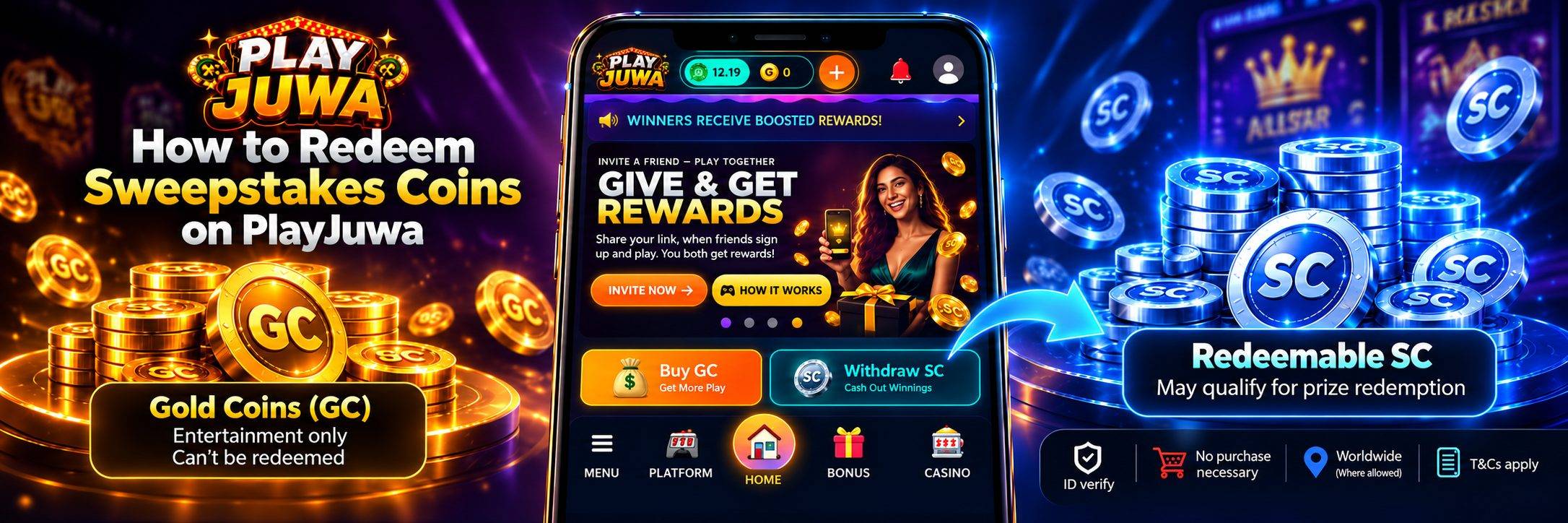
Quick answer: On PlayJuwa, only an eligible Redeemable Sweepstakes Coins (Redeemable SC) balance may qualify for prize redemption. Gold Coins can’t be redeemed. To make a request, open the redemption page from the side menu, choose a redemption method, enter an amount within the limits shown, and submit. PlayJuwa reviews every request, may ask for identity, age, or location verification, and doesn’t guarantee a processing time. No purchase is necessary, and you must be 18 or older.
If you’ve been wondering how to “cash out” on PlayJuwa, the process is called prize redemption. It isn’t automatic, and not every coin in your account qualifies.
This guide explains what can be redeemed, which SC balance counts, what to check before you start, how the request works in your account today, and what can slow a request down.
What Can You Redeem on PlayJuwa?
PlayJuwa uses two kinds of virtual coins, and only one of them can lead to a redemption.
- Gold Coins (GC) are for entertainment only. They have no cash value and can’t be redeemed for prizes.
- Sweepstakes Coins (SC) are promotional virtual coins. PlayJuwa’s Terms say only an eligible balance identified as Redeemable Sweepstakes Coins may qualify for prize redemption. Other SC balances, including promotional or playable balances, don’t automatically qualify.
You can see the difference in your account. Tap your coin balance at the top of the page to open the Your balances window. It lists your Gold Coins, your playable SC balances, and your Redeemable SC separately.
Only the Redeemable SC figure counts toward a redemption request.
For a full explanation of the two coin types, see Gold Coins vs Sweepstakes Coins: What’s the Difference?.
Which SC Balance Can You Redeem?
PlayJuwa keeps different SC balances separate.
Only the balance identified in your account as Redeemable SC may qualify for prize redemption. Promotional or playable SC balances, such as Bonus SC from the Daily Bonus or Spin Wheel, don’t automatically qualify.
Promotions can also carry their own conditions, so check the details of any offer before you rely on it for a redemption, and check your Redeemable SC figure before you start a request.
Do You Need to Buy Coins to Redeem?
No.
No purchase is necessary to enter or win a sweepstakes promotion on PlayJuwa, and making a purchase doesn’t increase your chances of winning. Coin packages are optional.
If you’d like to take part without buying anything, PlayJuwa’s free-entry guidance says to request Alternative Method of Entry (AMOE) instructions by emailing support@playjuwa.com.
Review the current PlayJuwa Terms & Conditions for the governing sweepstakes, eligibility, and redemption rules.
What to Check Before You Request a Redemption
A few minutes of preparation may help reduce avoidable delays.
Before you start, check the following:
- Your location. You must be in a location where PlayJuwa’s services are offered. Users located in a restricted state must not request prize redemption. Check the current Eligibility rules in the Terms.
- Your age. You must be at least 18 and meet any higher minimum age required by law where you are.
- Identity verification. Your Profile page has a KYC Verification section that shows your verification status. PlayJuwa may require identity, age, or location verification before it processes a redemption, so completing applicable verification early may help avoid verification-related delays.
- Your payment account. The Profile page also shows whether a payment account is linked. Use only payment methods you’re authorized to use, in your own name.
- Your Redeemable SC balance. Make sure your Redeemable SC meets the minimum shown on the redemption page.
- Your account details. You can keep only one PlayJuwa account, and the information on it must be accurate and in your own identity.
Don’t use a VPN, proxy, or any other tool to change your apparent location. PlayJuwa’s Terms prohibit using these tools to misrepresent your location or bypass geographic restrictions, and doing so can lead to a request being declined.
How to Request a Redemption, Step by Step
Here’s how the process works in your PlayJuwa account today. Labels and the available redemption flow can change, so follow the options currently shown in your account.
- Check your Redeemable SC. Open the Your balances window from the top of the page, or go straight to the redemption page, which shows the same balances.
- Open the redemption page. Select Withdraw SC in the side menu. The page confirms that requests can only come from your Redeemable SC.
- Choose a redemption method. The page labels this step Payout method. Choose one of the redemption methods currently shown in your account, then tap Continue.
- Enter an amount. The amount step shows how much Redeemable SC you have, along with the minimum and maximum per request and the remaining daily limit. Choose one of the preset amounts or enter your own amount within those limits.
- Submit and track your request. After you submit, the request appears in Withdrawal History on the same page, along with its status. You can also find it on the Transactions page in your account menu.
If a step doesn’t look like this in your account, or something on the page is unclear, use the PlayJuwa Contact page before you submit.
Redemption Limits
Your account may show applicable minimums, maximums, daily limits, or other redemption limits.
The amount step on the redemption page shows the limits that apply to you, including how much of today’s limit you have left.
The VIP page in your account also shows a redemption limit for each tier. Because limits can change and may depend on your account, check the current redemption page rather than relying on a fixed number from an article.
“Redeem” on a Game Card Isn’t a Prize Redemption
PlayJuwa uses the word Redeem in two places, and they do different things.
- The Redeem button on a game’s platform card, such as Juwa or Orion Stars, moves coins from that game’s balance back into your PlayJuwa wallet as SC.
- A prize redemption is the separate request made from the redemption page, and it can only use your Redeemable SC.
If you’ve played inside a third-party game, moving your balance back to your PlayJuwa wallet doesn’t submit a prize redemption. It only brings the coins back to your PlayJuwa account.
For more detail on how playable SC and Redeemable SC differ, see the Gold Coins vs Sweepstakes Coins guide.
How Long Does a Redemption Take?
There’s no guaranteed timeframe.
PlayJuwa’s Terms & Conditions say processing times can depend on verification requirements, the status of your request, and the redemption method you choose. No specific processing time is guaranteed.
PlayJuwa may also ask for additional documents before it can complete a request.
Completing applicable verification in advance and keeping your details up to date may help avoid verification-related delays.
Why a Redemption Might Be Delayed or Declined
Under PlayJuwa’s Terms, a request may be delayed, restricted, or declined if:
- Information is incomplete or can’t be verified
- Applicable rules or the Terms have been broken
- Fraud or unauthorized activity is reasonably suspected
- The account or the user’s location doesn’t meet eligibility requirements
If your request shows a failed or pending status for longer than you expect, contact support rather than submitting the same request again.
Tips for a Smoother Redemption
- Verify early. Complete any KYC or other verification requested for your account before you need to redeem.
- Keep your details consistent. Your name, address, and payment account should all match your own identity.
- Check the limits first. Look at the minimum, maximum, and remaining daily limit before you enter an amount.
- Use only your own payment account. Requests involving someone else’s payment details can be declined.
- Keep your User ID handy. Your Profile page shows a User ID that can help when contacting support.
- Read the current Terms. The PlayJuwa Terms & Conditions cover Sweepstakes Coins, eligibility, verification, and prize redemption requirements.
Where to Get Help
If you have a question about a redemption, use the support options currently available through PlayJuwa.
You can:
- Visit the PlayJuwa Help Center for account guides
- Use the PlayJuwa Contact page for account-specific assistance
- Email support@playjuwa.com
Keep your User ID and the date of the redemption request handy so support can identify the relevant account activity more easily.
Play Responsibly
Treat PlayJuwa as entertainment, not as a way to make money.
Sweepstakes Coins are promotional, and prizes and redemptions are never guaranteed. Set limits on your time and spending before you play, take regular breaks, and never use money you need for bills or essential expenses.
Don’t try to win back losses by playing more.
If you’d like to take a break, PlayJuwa says you can contact support to ask about a break, self-exclusion, or account closure.
For free, confidential help with gambling-related concerns, call or text the National Problem Gambling Helpline at 1-800-MY-RESET.
See the PlayJuwa Responsible Gaming page for current responsible-play guidance and support options.
Frequently Asked Questions
Can I Redeem Gold Coins on PlayJuwa?
No.
Gold Coins are for entertainment only, have no cash value, and can’t be redeemed for prizes.
Can I Redeem All of My Sweepstakes Coins?
No.
Only an eligible Redeemable SC balance may qualify for prize redemption. Promotional or playable SC balances don’t automatically qualify.
The Your balances window shows each balance separately.
How Do I Know How Much SC I Can Redeem?
Check the Redeemable SC figure in the Your balances window or on the redemption page.
Only that balance may qualify for prize redemption. Promotional or playable SC balances, such as Bonus SC, don’t automatically qualify.
Do I Have to Buy Coins to Redeem a Prize?
No.
No purchase is necessary to enter or win a sweepstakes promotion, and a purchase doesn’t improve your chances.
You can request free-entry (AMOE) instructions from support@playjuwa.com. Check the current Terms for applicable eligibility and participation requirements.
Where Do I Request a Redemption?
Open the redemption page through Withdraw SC in the side menu.
Choose a redemption method currently shown in your account, enter an amount within the limits displayed, and submit the request.
Is There a Minimum Redemption Amount?
Yes.
Check the redemption page for the current minimum, maximum, daily limit, and any other limits that apply to your account.
The VIP page also shows the redemption limit currently displayed for each tier.
Do I Need to Verify My Identity to Redeem?
PlayJuwa may require identity, age, or location verification before processing a redemption.
Your Profile page shows your current KYC verification status.
How Long Does PlayJuwa Take to Process a Redemption?
Processing times vary based on factors such as verification, request status, and the redemption method you choose.
PlayJuwa’s Terms state that no specific processing time is guaranteed.
Is the Redeem Button on a Game Card the Same as a Prize Redemption?
No.
The Redeem button on a game card moves coins from that game’s balance back into your PlayJuwa wallet.
A prize redemption is a separate request made from the redemption page and can only use an eligible Redeemable SC balance.
Can I Request a Redemption From a Restricted State?
No.
Users located in a restricted state must not request prize redemption through the restricted Services.
Check the Eligibility section of the current PlayJuwa Terms for the current list and other eligibility requirements.
Summary
On PlayJuwa, only an eligible Redeemable SC balance may qualify for prize redemption, and Gold Coins can’t be redeemed at all.
Before you request a redemption, check your location, review any verification requirements shown in your account, confirm your payment details where required, and make sure your Redeemable SC meets the applicable minimum.
Then open Withdraw SC from the side menu, choose one of the redemption methods currently shown in your account, enter an amount within the applicable limits, and track the request in your history.
Processing times vary, and redemption is never guaranteed.
Above all, play for entertainment and within your limits. Review the PlayJuwa Terms & Conditions and Responsible Gaming guidance whenever you need the current rules.
No purchase necessary. 18+ only. Void where prohibited. Play for entertainment and within your limits. Terms and Conditions apply.